
1
Set the scene
Start with context
Fill the frame
2–3 ft for close-ups; keep ladders, cords and workers fully in view.
OSHA Scan is AI hazard identification and risk assessment software. Upload a job-site photo below and get an instant OSHA hazard analysis, a 0-100 risk score, and a fix-it checklist — no safety training and no account needed to start.
Free scans · No credit card · Instant risk assessment
Drop in a photo from your phone or a recent walkthrough. The AI identifies the hazards and returns a risk score in about 15 seconds — see it work before you sign up for anything.
Use the real site or facility name. If you save the scan after signup, it becomes the report name.
Three angles, one deeper scan
Only the wide shot is required — every extra angle gives the AI more places to look.
Required: Set the scene — one wide shot lets the AI sweep the whole area at once
Stand at the entry point and capture corner to corner: floors, ladders, scaffolds, and everyone at work
Drop a job-site photo or walkthrough video
Click to upload, drag & drop, or snap a photo on site. Photos scan free in about 15 seconds — no signup, no card. Video walkthroughs (up to 3 min) run on a free account.
Small habits, sharper scans
Set the scene
Start with context
Fill the frame
2–3 ft for close-ups; keep ladders, cords and workers fully in view.
Capture clearly
Make the frame usable
Light it right
Keep the sun or lights behind you — glare and shadows hide hazards.
Tap to focus
Tap the hazard on screen and hold still one second — blur can't be flagged.
Choose the useful view
Give the AI room to understand
Go landscape
Turn your phone sideways — a wider frame catches more of the scene.
Only upload photos you have permission to use, and avoid images showing personal, customer, or confidential information. Demo photos and results are held privately for up to 48 hours so you can save them to a free account; unclaimed photos are deleted automatically. Results are an AI-assisted preliminary review, not an official OSHA determination.
Manual hazard identification is slow, inconsistent, and easy to skip when a crew is busy. OSHA Scan reviews any job-site photo the moment it is taken and flags the hazards a walkthrough often misses.
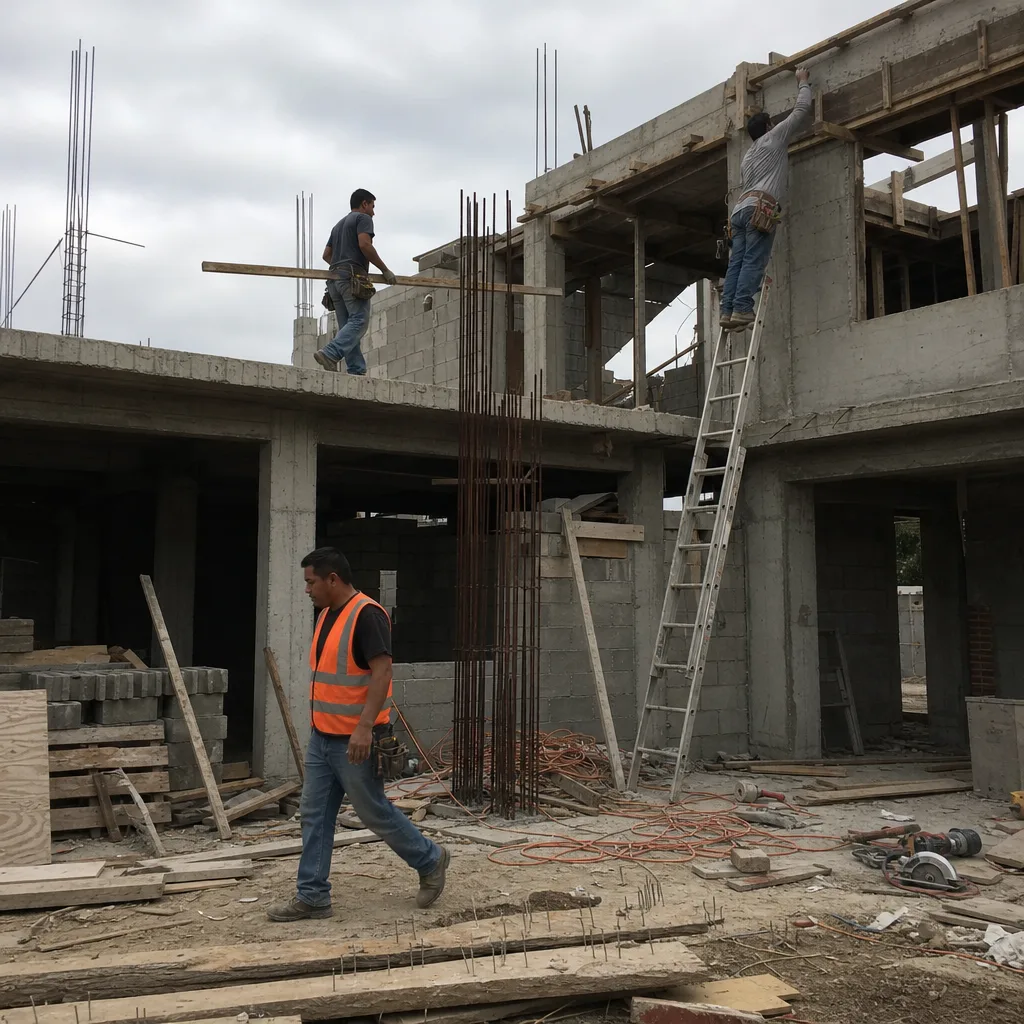
Turn hazard identification into a three-step habit every worker can follow — from the unsafe condition to a documented fix.
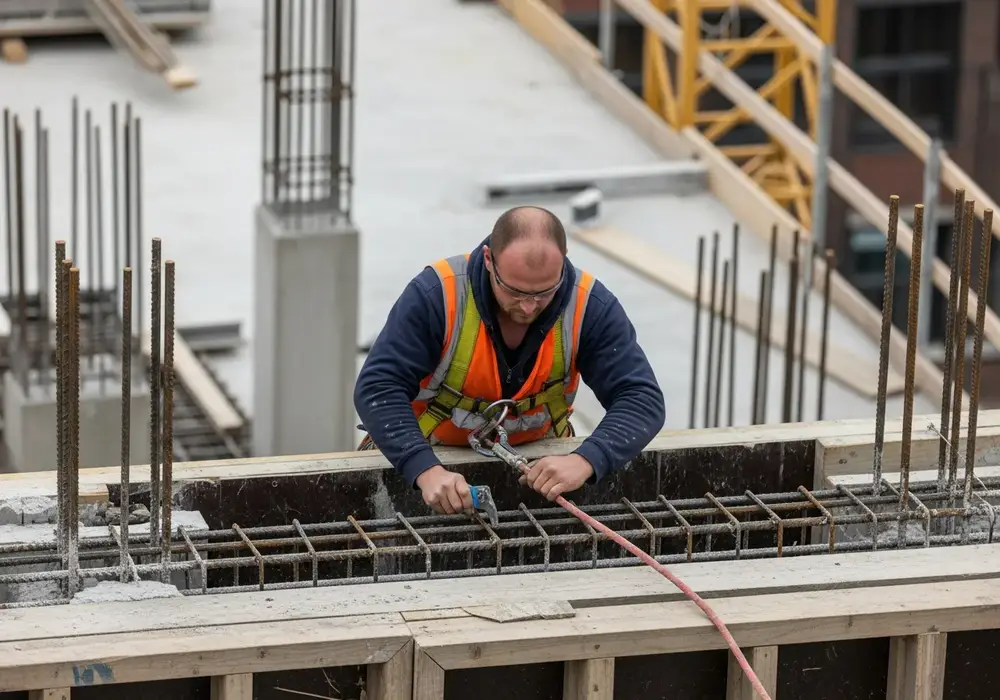 Unsafe condition on site
A worker, foreman, or safety lead notices a condition that looks off — an unguarded edge, a missing hard hat, a cluttered walkway — and snaps a photo. No training or certification required.
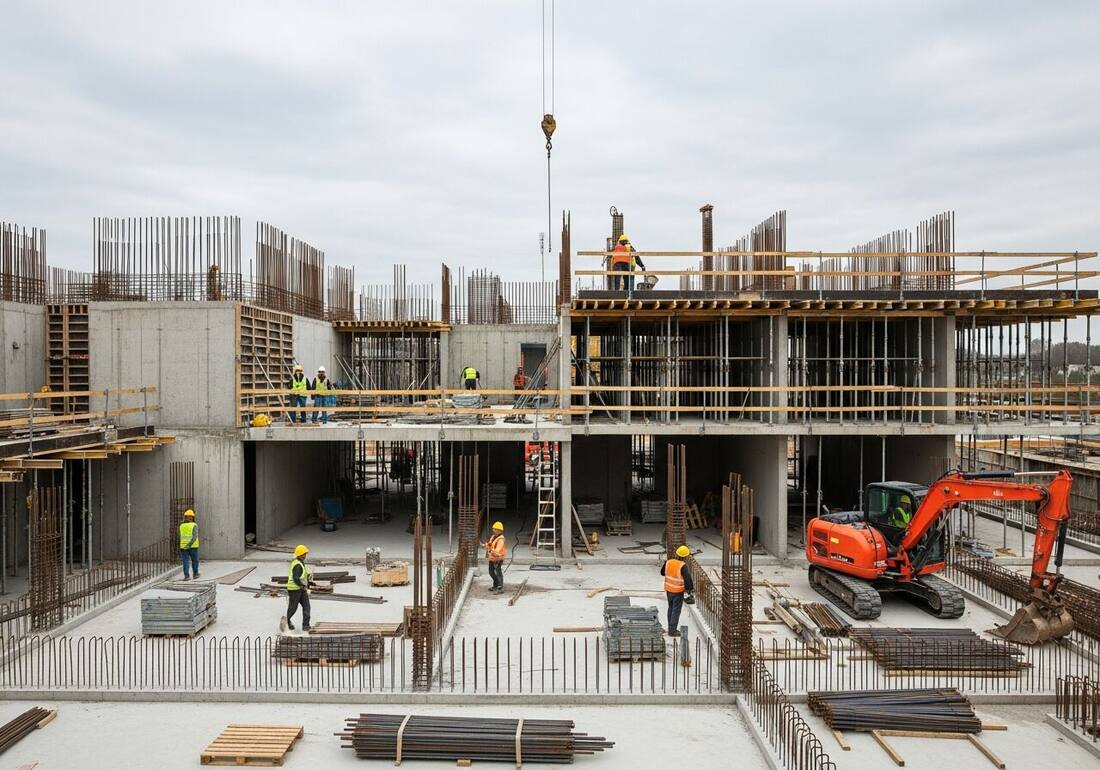 AI reviews the whole frame
OSHA Scan reads the photo, flags the potential hazards it can see, cites the OSHA 1926 standard each one may relate to, and returns a 0-100 risk score in about 15 seconds.
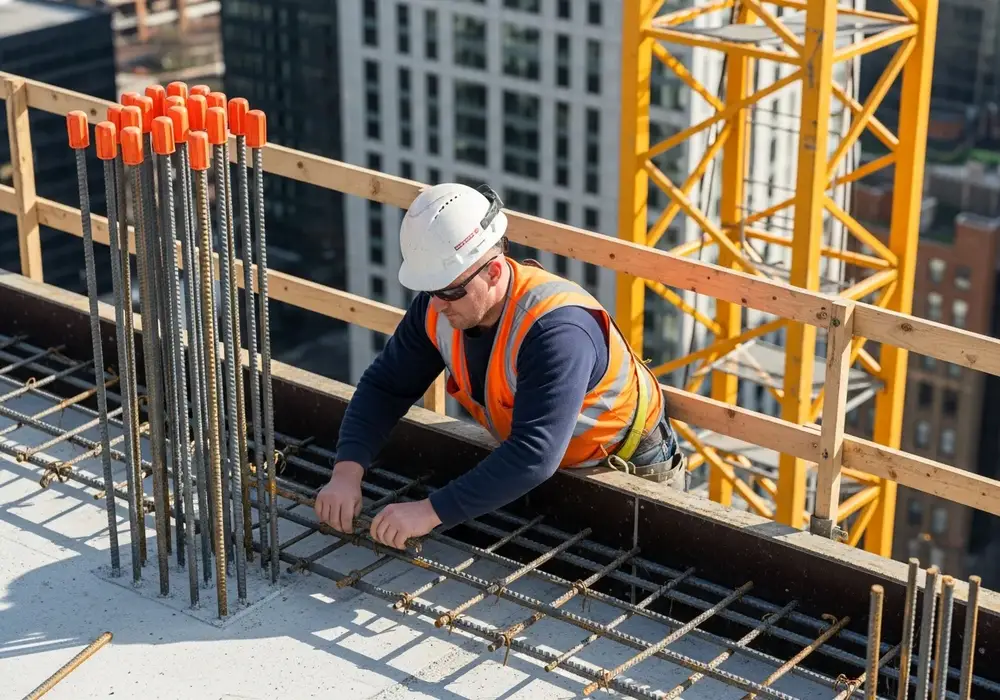 Hazard addressed and documented
You get a prioritized corrective-action checklist. Assign it, fix the hazard, and re-scan to check your fix — before it becomes a near miss.
A manual inspection is only as good as the person doing it on a given day. AI hazard identification makes it consistent, cited, and scored every time.
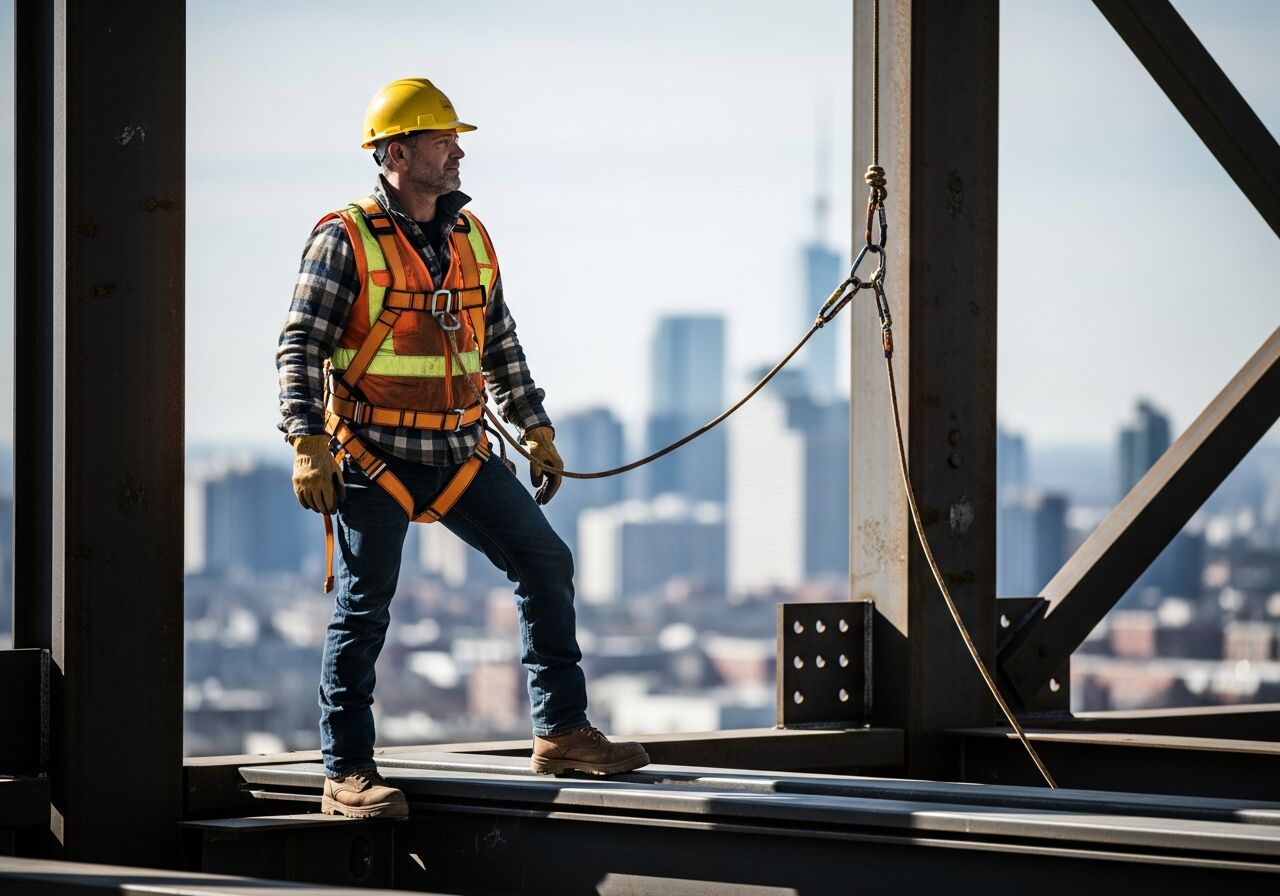
Identification is only half the job. OSHA Scan quantifies the risk so you know how serious a site is and what to fix first.
Every scan returns a deterministic risk and compliance score derived from the number and severity of hazards found.
Hazards are ranked by severity so your team tackles the highest-risk items first, not whatever is easiest.
Each finding maps to the OSHA standard it may relate to, giving your risk assessment a clear starting point from day one.
Most incidents are preceded by an unsafe condition someone noticed but never reported. Making hazard identification as easy as taking a photo turns every worker into a first line of defense — so near misses get fixed instead of forgotten.
Job-site photos are sensitive. OSHA Scan is built to keep your hazard data private and under your control.
Photos and reports travel over encrypted connections between your device and OSHA Scan.
Job-site images are kept in private, access-controlled storage — never on a public bucket.
Admins, managers, and supervisors each see only what their role allows across your organization.
We never sell your data. Export your reports or delete them from your account at any time.
AI hazard identification uses computer vision to automatically spot workplace hazards in a job-site photo. OSHA Scan analyzes the image, flags each hazard, references the OSHA standard it may relate to, and scores the overall risk in seconds — no safety background required.
Every scan produces a 0-100 risk and compliance score derived from the number and severity of hazards detected. You get a prioritized, OSHA-referenced risk assessment plus a corrective-action checklist so you know exactly what to fix first.
No. If your crew can take a photo, they can identify hazards. OSHA Scan's AI vision runs the preliminary visual analysis and a person confirms the findings, so every worker on site becomes a first line of defense — no certifications or training needed.
Yes. Catching an unsafe condition in a photo before work continues is how near misses and injuries are prevented. Each identified hazard comes with a fix-it checklist so the risk is resolved before it becomes an incident.
Yes. Photos are sent over encrypted connections and stored in private, access-controlled storage. Access is role-based, your data is never sold, and you can export or delete your reports at any time.
Upload one job-site photo and get an AI hazard analysis, a 0-100 risk score, and a fix-it checklist in seconds — free, no credit card.