
1
Set the scene
Start with context
Fill the frame
2–3 ft for close-ups; keep ladders, cords and workers fully in view.
Automate hazard detection on the factory floor
Keep your production lines moving safely. OSHA Scan instantly identifies missing machine guards, lockout/tagout gaps, and forklift hazards from a simple photo — so you fix risks before they cause an amputation, a shutdown, or a citation.
Free · No account needed to scan · Results in seconds
Amputations & lacerations a year
LOTO ranks among OSHA's most-cited
Max penalty per serious violation
To scan a photo and get a report
From a job-site photo to a detailed report in three steps.
Snap or drop a photo of the work area. No walkthrough forms, no setup.
OSHA Scan flags visible hazards, scores compliance, and cites the standard each one may relate to.
Work the corrective-action checklist, then export a detailed PDF or Excel report.
Upload a real job-site photo and OSHA Scan detects visible hazards in seconds — no account needed to run your first scan.
Use the real site or facility name. If you save the scan after signup, it becomes the report name.
Three angles, one deeper scan
Only the wide shot is required — every extra angle gives the AI more places to look.
Required: Set the scene — one wide shot lets the AI sweep the whole area at once
Stand at the entry point and capture corner to corner: floors, ladders, scaffolds, and everyone at work
Drop a job-site photo or walkthrough video
Click to upload, drag & drop, or snap a photo on site. Photos scan free in about 15 seconds — no signup, no card. Video walkthroughs (up to 3 min) run on a free account.
Small habits, sharper scans
Set the scene
Start with context
Fill the frame
2–3 ft for close-ups; keep ladders, cords and workers fully in view.
Capture clearly
Make the frame usable
Light it right
Keep the sun or lights behind you — glare and shadows hide hazards.
Tap to focus
Tap the hazard on screen and hold still one second — blur can't be flagged.
Choose the useful view
Give the AI room to understand
Go landscape
Turn your phone sideways — a wider frame catches more of the scene.
Only upload photos you have permission to use, and avoid images showing personal, customer, or confidential information. Demo photos and results are held privately for up to 48 hours so you can save them to a free account; unclaimed photos are deleted automatically. Results are an AI-assisted preliminary review, not an official OSHA determination.
New: Video walkthrough scans
Record up to 3 minutes of your site — the AI extracts frames and flags every hazard with exact timestamps. Free account required.
Get the best results
Wide shot first
Stand at the entrance and photograph the entire work area so AI sees the full context
Hazard areas
Photograph elevated surfaces, equipment, electrical panels, and anywhere workers are active
Close-ups last
Move in close on anything damaged, missing, or that looks risky — the AI catches more detail
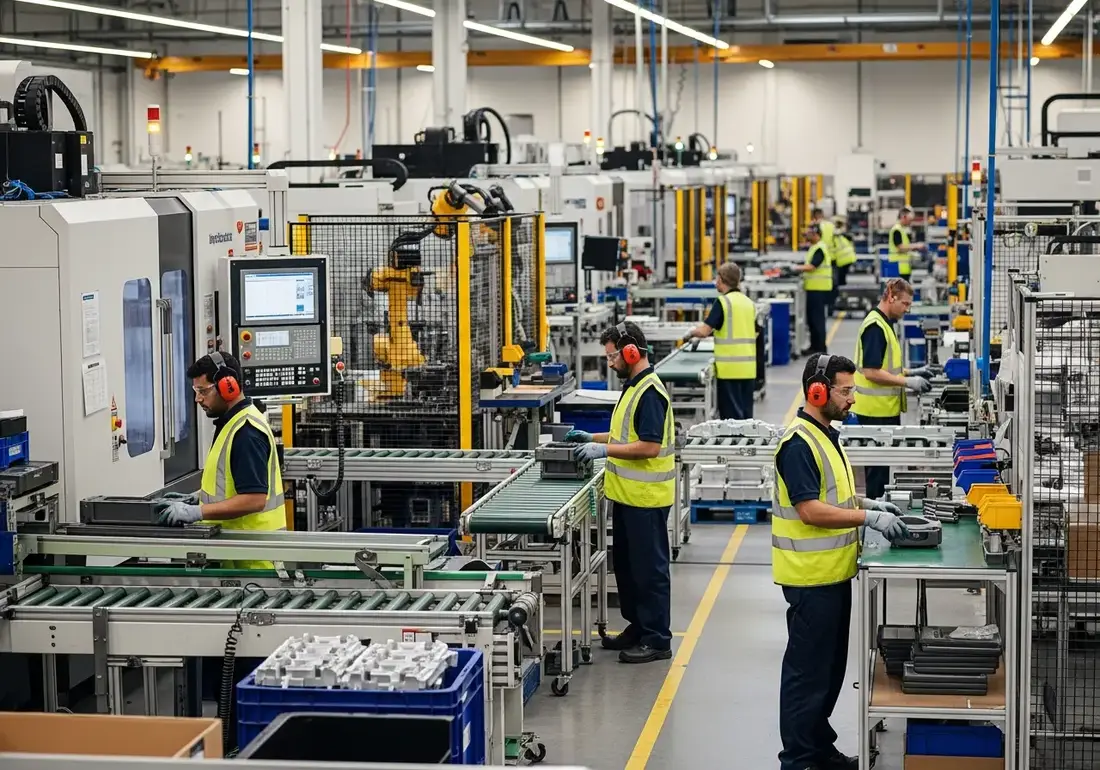
The factory floor is a dense field of energy — rotating shafts, pinch points, stored electrical and hydraulic power, and forklifts sharing aisles with people. When a guard is removed for maintenance or a machine is serviced without proper lockout, the margin for error disappears.
Most serious manufacturing injuries aren't freak accidents; they're the predictable result of a guard that was never reinstalled or a lockout step that got skipped under production pressure. These conditions are visible — but only if someone is looking at the right machine at the right moment.
OSHA Scan gives every supervisor a second set of eyes. Photograph a machine or work cell, and AI vision checks it against OSHA's general industry standards for guarding, lockout/tagout, and powered industrial trucks — returning a scored report with the relevant standard and how to address it.
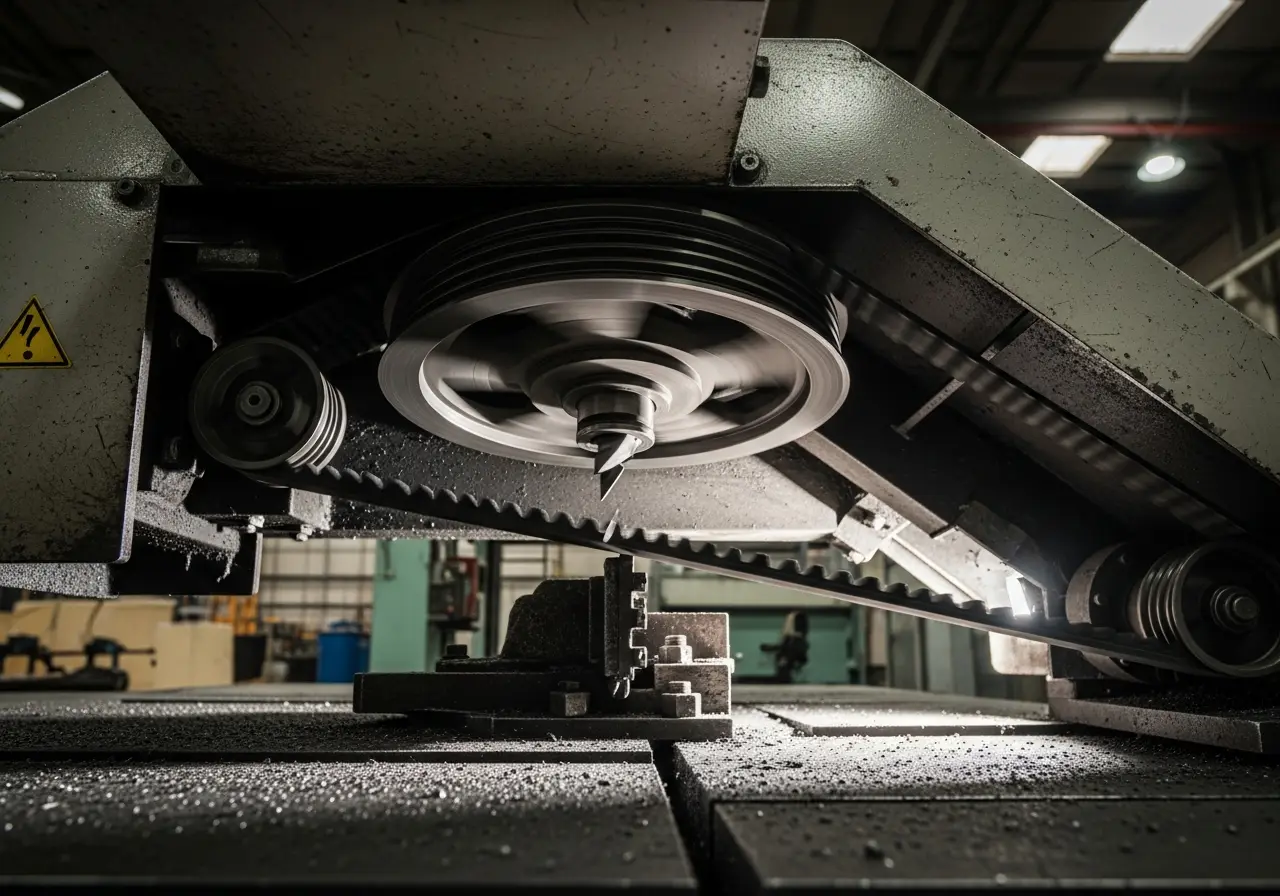
Missing machine guards cause thousands of amputations each year. Nearly all of them trace back to a hazard that was visible before the injury.
Lockout/tagout is perennially among OSHA's top-cited standards. A single controlled-energy incident can be fatal.
An injury investigation or OSHA inspection can halt a line for days. Proactive scans protect both people and output.
A documented, data-backed safety program lowers your experience modifier and your workers' comp premiums.
A point-of-operation guard taken off for a jam clearance and left off exposes workers to moving parts — OSHA Scan flags the exposed hazard immediately.
Unguarded pulleys, belts, and rotating shafts are a leading cause of caught-in injuries and are detected from a single photo.
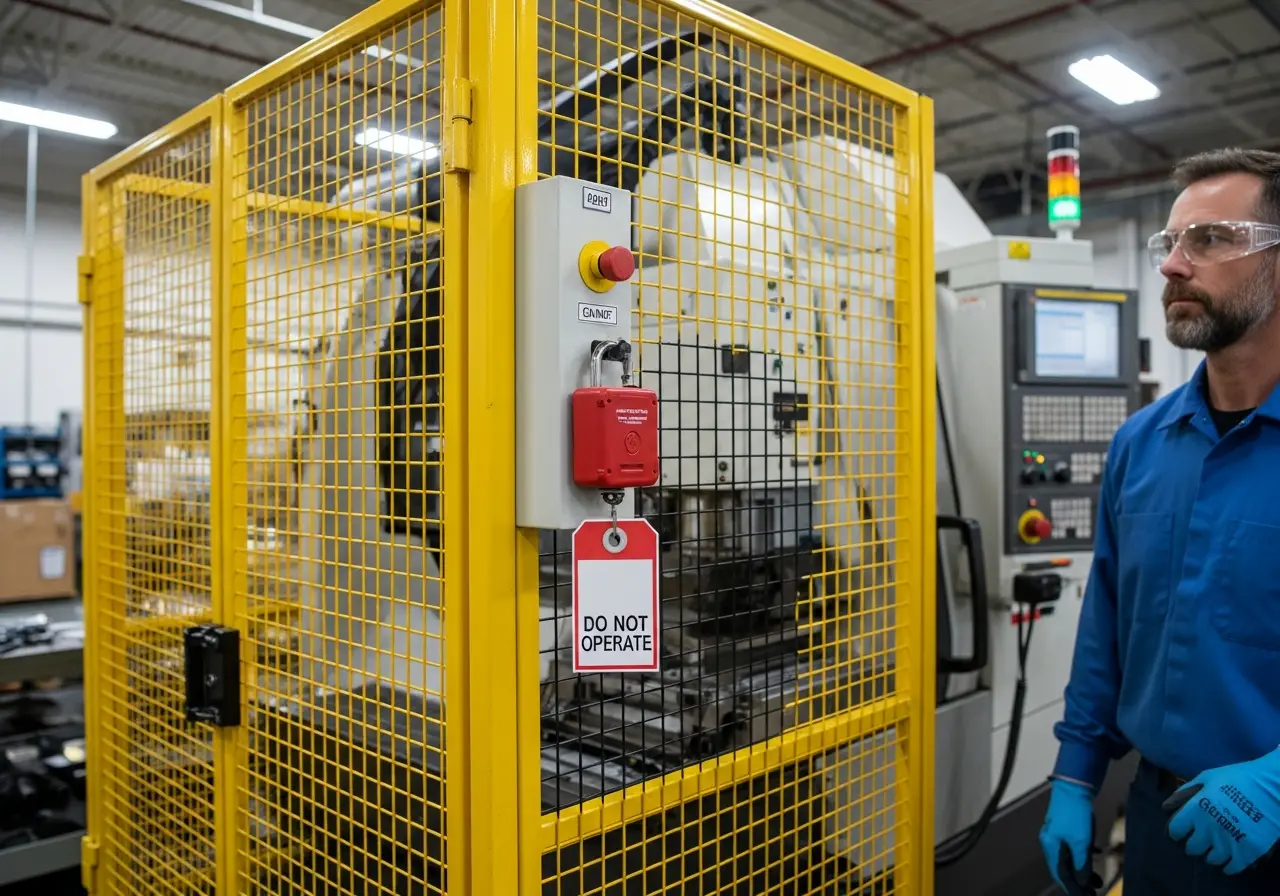
A machine being serviced without a visible lock or tag on its energy-isolating device is caught as a critical LOTO gap.
Raised forks left unattended, blocked aisles, or an operator without a seatbelt are flagged against the powered-truck standard.
E-stops and electrical panels obstructed by stock or pallets are identified so access stays clear.
Every hazard is linked to the federal standard it may relate to.
Requires guarding for all machines to protect operators from point-of-operation, ingoing nip points, rotating parts, and flying chips.
The control of hazardous energy — requires machines to be isolated and locked out before servicing or maintenance to prevent unexpected startup.
Covers forklift operation, maintenance, and operator training, including safe load handling and pedestrian separation.
Requires guarding of belts, pulleys, gears, shafting, and other power-transmission apparatus throughout the facility.
Upload a photo and OSHA Scan flags these in seconds.
Missing or bypassed machine guards
Improper lockout/tagout procedures
Unsafe forklift operation
Exposed moving parts and belts
Improper PPE usage around machinery
Inadequate warning signs and labels
Build a proactive safety culture that catches hazards before they become incidents or citations.
Turn a 30-minute walkthrough into a 30-second photo upload, so your team stays on the job.
Every report cites the OSHA standard each hazard may relate to, ready for inspectors and stakeholders.
Catch hazards and assign corrective actions before they turn into costly OSHA fines.
OSHA Scan's vision model recognizes machinery, guarding, energy-isolating devices, forklifts, and PPE across industrial environments. It evaluates each work cell against OSHA's 1910 general industry standards — flagging exposed moving parts, missing guards, absent lockout devices, and unsafe truck operation — and returns each finding with a severity, the exact citation, and a concrete corrective action.
Yes. Exposed point-of-operation areas, unguarded belts and pulleys, and open rotating parts are among the clearest visual hazards, and OSHA Scan flags them with the relevant 1910.212 or 1910.219 citation.
OSHA Scan can flag when a machine appears to be under service without a visible lockout device. It's a strong visual backstop for your LOTO program, complementing your written procedures and periodic audits.
No. A scan takes about 15 seconds and is done from a phone, so supervisors can check a work cell during a normal floor walk without stopping the line.
Yes. Job-site locations let you organize scans by line, department, or facility and see compliance trends across all of them from one dashboard.
Every report cites the specific OSHA standard and exports to PDF or Excel, giving you a timestamped record of inspections and corrective actions for audits and insurers.
Yes. Run a free instant scan on this page with no account. A free account then unlocks the full report with every hazard, citation, and fix.
A metal fabrication shop ran two shifts across a floor of presses, saws, and grinders, with guards routinely removed for die changes and jam clearances.
A surprise OSHA visit produced multiple machine-guarding citations, and the shop had no systematic way to verify guards were reinstalled before a machine restarted.
Line leads began scanning each machine at shift start and after every maintenance intervention. OSHA Scan flagged any exposed point of operation with the relevant standard, and the fix was logged before restart.
Repeat guarding findings fell to near zero within two shifts of adoption, and the shop passed its follow-up inspection with a documented history of daily scans.
Go deeper on the hazards that matter most for this industry.
Explore the software built for this type of inspection.
Estimate what a citation could cost with official 2026 federal maximums and typical reductions.
Eight ready-to-run 5-minute safety meetings with printable sign-in sheets — free, no email.
See how OSHA Scan's AI inspection platform covers factory floors and general industry standards.
Learn how AI-powered audits catch machine guarding and LOTO gaps faster than manual walkthroughs.
A photo-ready checklist for guarding, LOTO, and forklift traffic on the production floor.
What photo-based safety software covers for general industry plants.
Review findings, organize chemical records, and open relevant official resources for your saved locations and work context.
You make the final call. Review, edit, or dismiss any AI-flagged hazard before finalizing your inspection report.
Scan chemical labels or upload legacy MSDS sheets to create structured drafts that support your team's search for and review of current official manufacturer Safety Data Sheets.
Open official OSHA and State Plan guidance, required posters, emergency contacts, and relevant publications for saved locations and work requirements.
OSHA Scan reads a single photo. That makes it fast and easy for anyone on site — but it also means it has real limits. Here's an honest look at both.
Reviewed by OSHA Scan Editorial
Last updated August 29, 2026
This content is produced by the OSHA Scan Editorial team and reviewed with AI assistance. It is general safety information, not legal or compliance advice. OSHA Scan is an independent tool and is not affiliated with, endorsed by, or certified by OSHA or the U.S. Department of Labor.
Start with 5 included AI site scans plus a one-time 10-scan signup bonus — no credit card. Build JHA-ready reports and catch changing conditions sooner.
Start your free trial