
1
Set the scene
Start with context
Fill the frame
2–3 ft for close-ups; keep ladders, cords and workers fully in view.
58 of the most common job-site hazard scenarios, each with the real statistics, the OSHA standards that apply, proven prevention strategies, an incident response protocol, and a compliance checklist you can run on every shift.
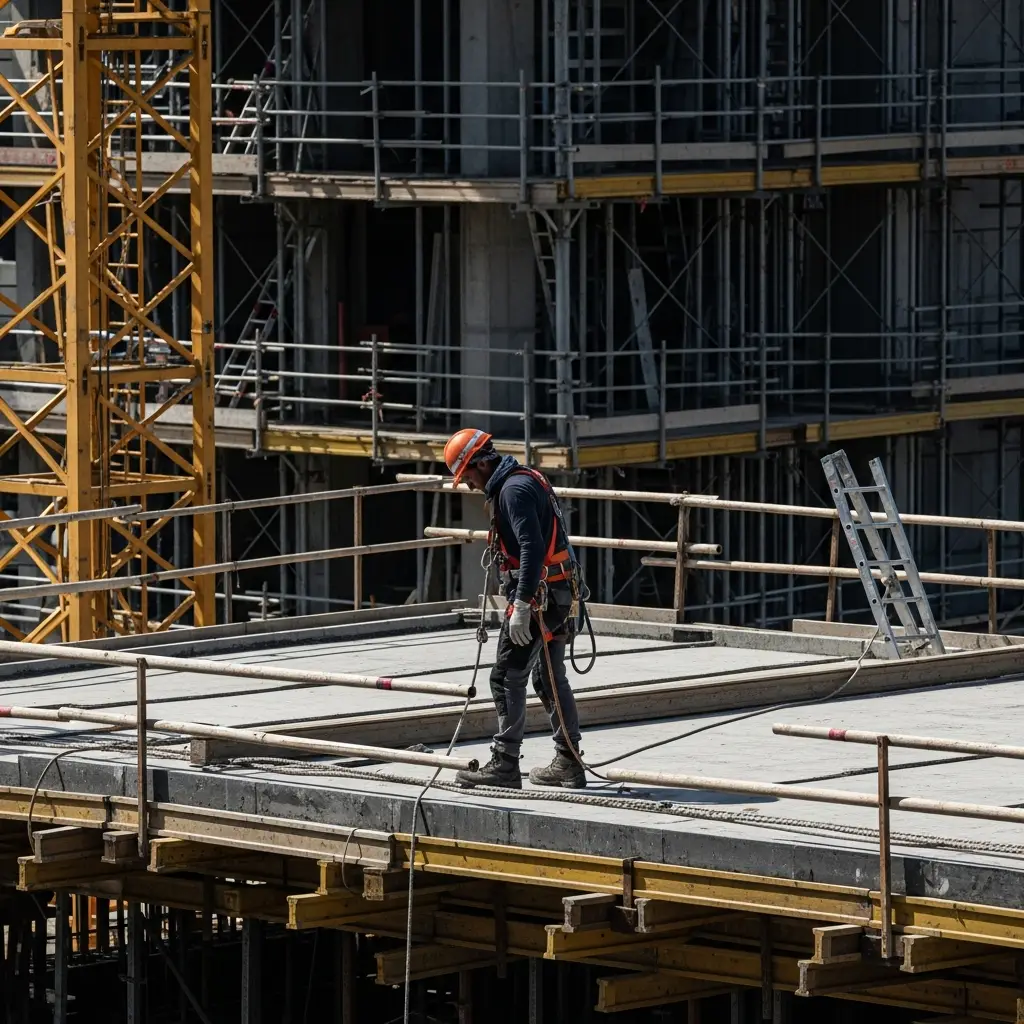
The platform feels stable right up until it tips, ejects, or contacts a line
Read guideA harness only saves a life when the whole system is set up right
Read guideSet the angle right before anyone sets a boot on the rung
Read guideA rail that should be there is the one thing standing between your crew and the ground
Read guideSetting the unit is routine — the fall that ends it is not
Read guideHow a crew gets on and off the platform is where scaffolds fail
Read guideCatch the edge before it catches your crew
Read guideThe floor that looks safe is often the one that puts a worker down
Read guide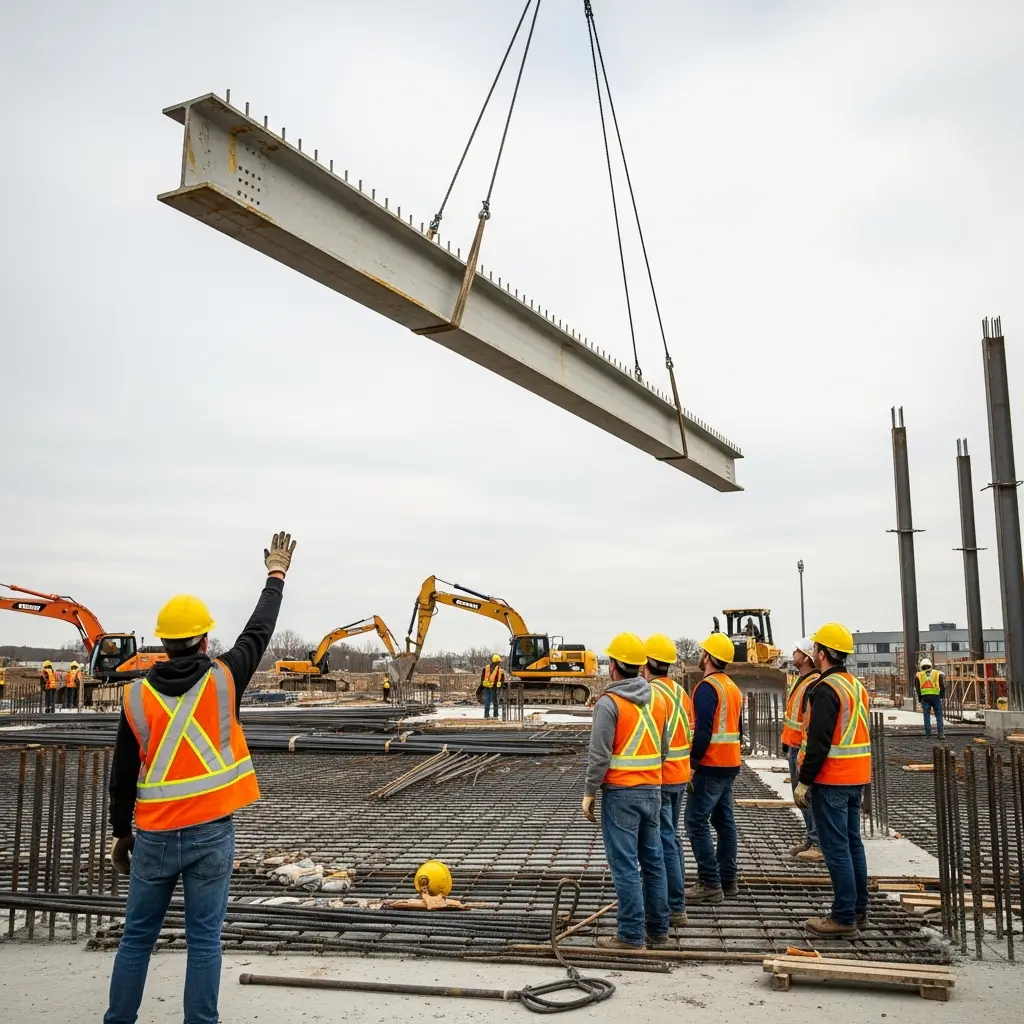
Keep the crew clear of every moving machine
Read guideStop struck-by incidents before something drops
Read guideGuard every eye before the first spark
Read guideSeparate people from powered trucks before they collide
Read guideSeparate people from traffic before someone is struck
Read guideDetect what is above the crew before it comes down
Read guideClear the fall zone before the load moves
Read guide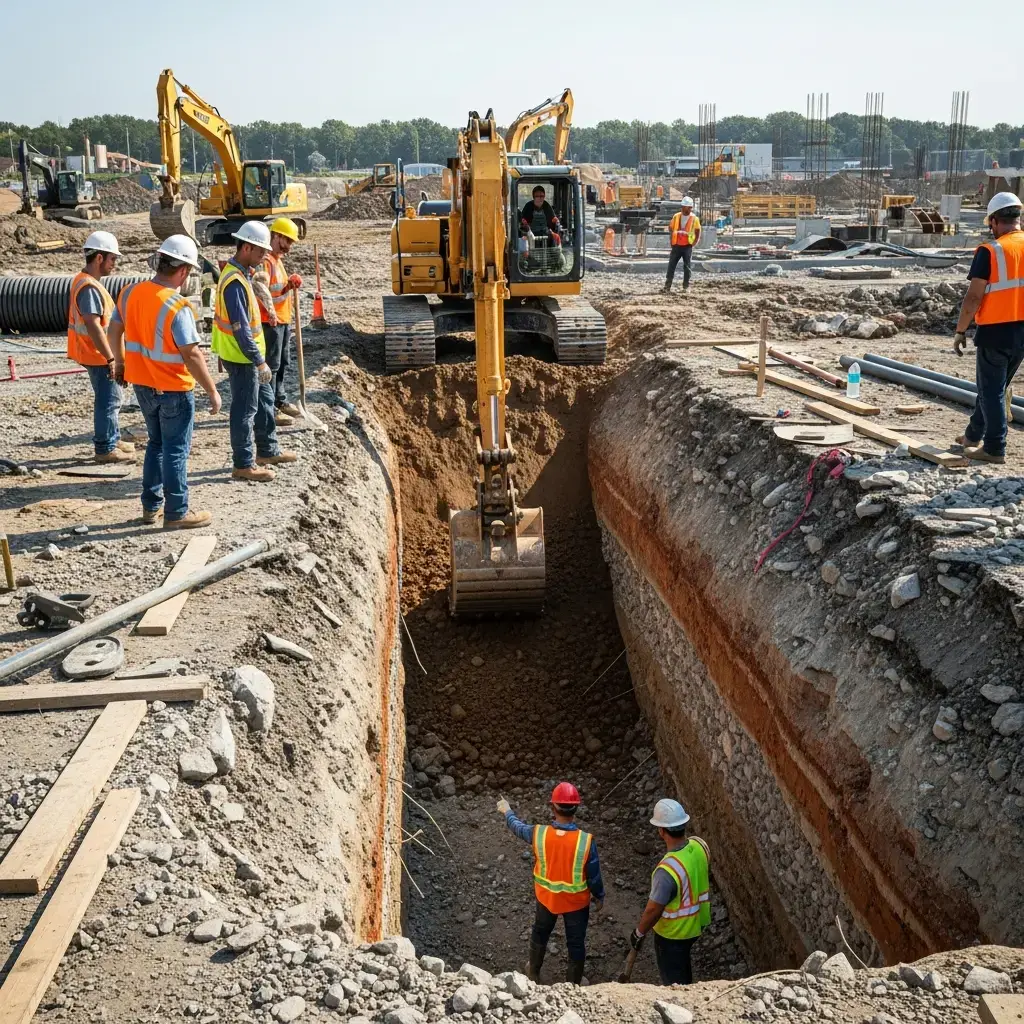
Catch the engulfment hazard before entry
Read guideCatch the exposed nip point before it catches your crew
Read guideCatch the missing lockout before the machine wakes up
Read guideCatch the exposed part before it catches your worker
Read guideCatch the closing gap before it catches a hand
Read guideCatch the unprotected wall before it comes down
Read guide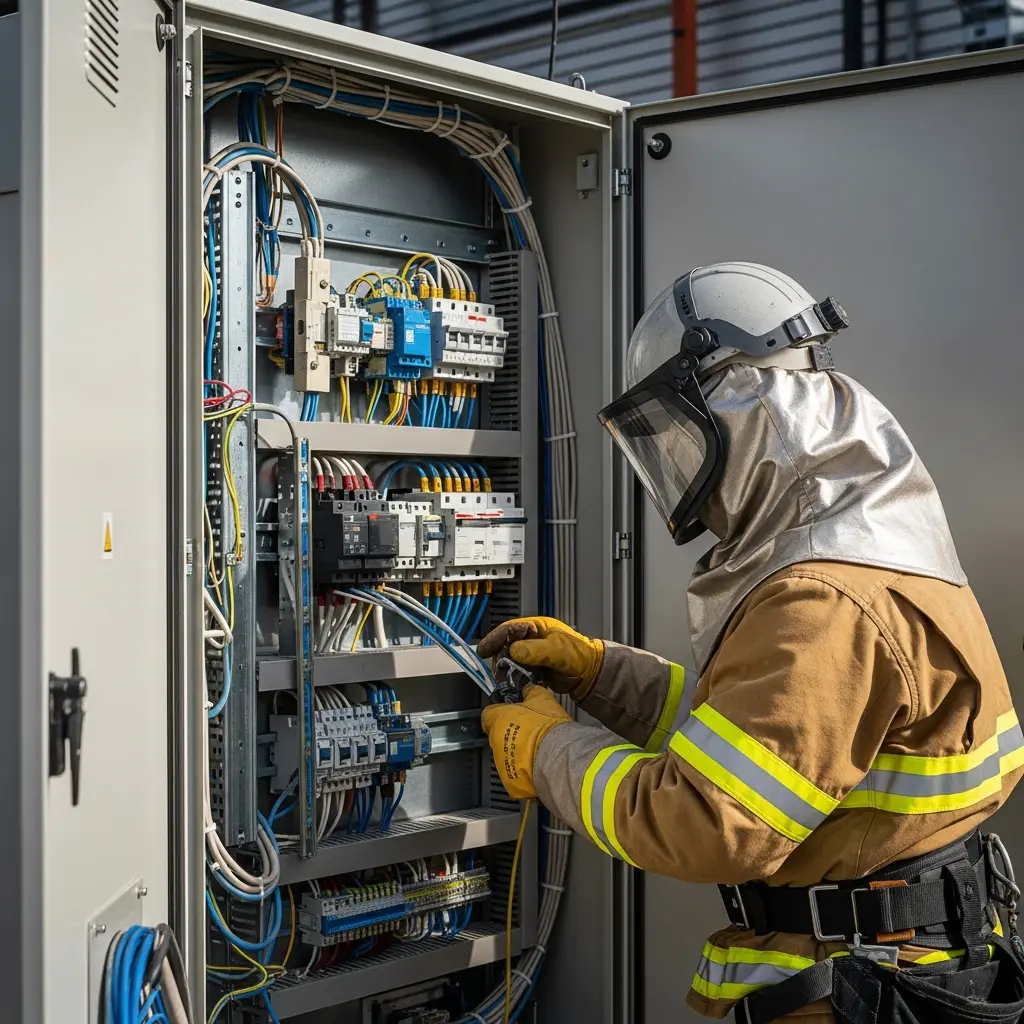
Catch the exposure before the panel explodes
Read guideCatch the live contact hazard before it reaches your crew
Read guideCatch the frayed cord before it energizes the job
Read guideVerify zero energy before a hand ever goes inside
Read guideConfirm clearance before the boom ever swings
Read guideConfirm GFCI protection before the first connection
Read guide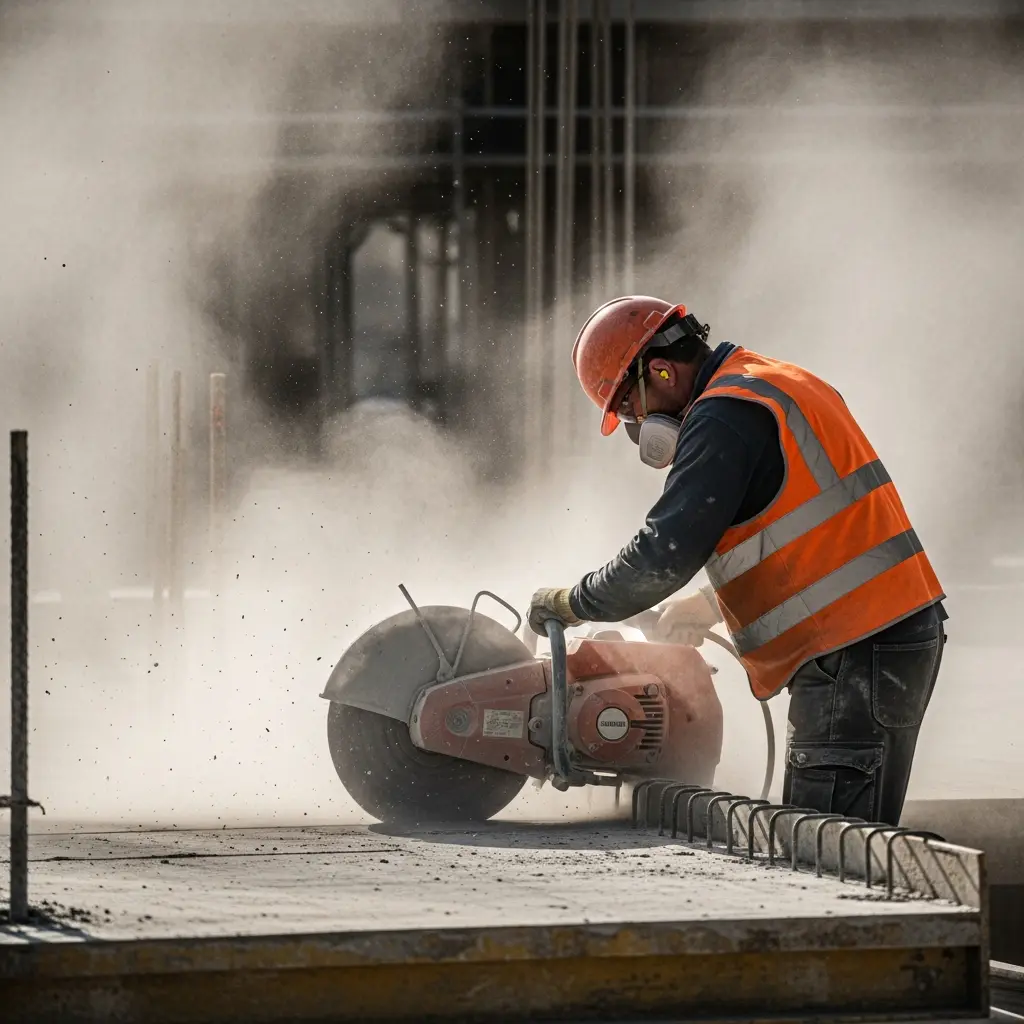
Catch untested atmospheres before anyone climbs in
Read guideCatch poor ventilation before contaminants concentrate
Read guideCatch unprotected workers before contaminated air hits the lungs
Read guideCatch uncontrolled dust before it becomes silicosis
Read guideCatch invisible gas hazards before they overcome your crew
Read guideCatch unventilated welding before fumes reach the lungs
Read guide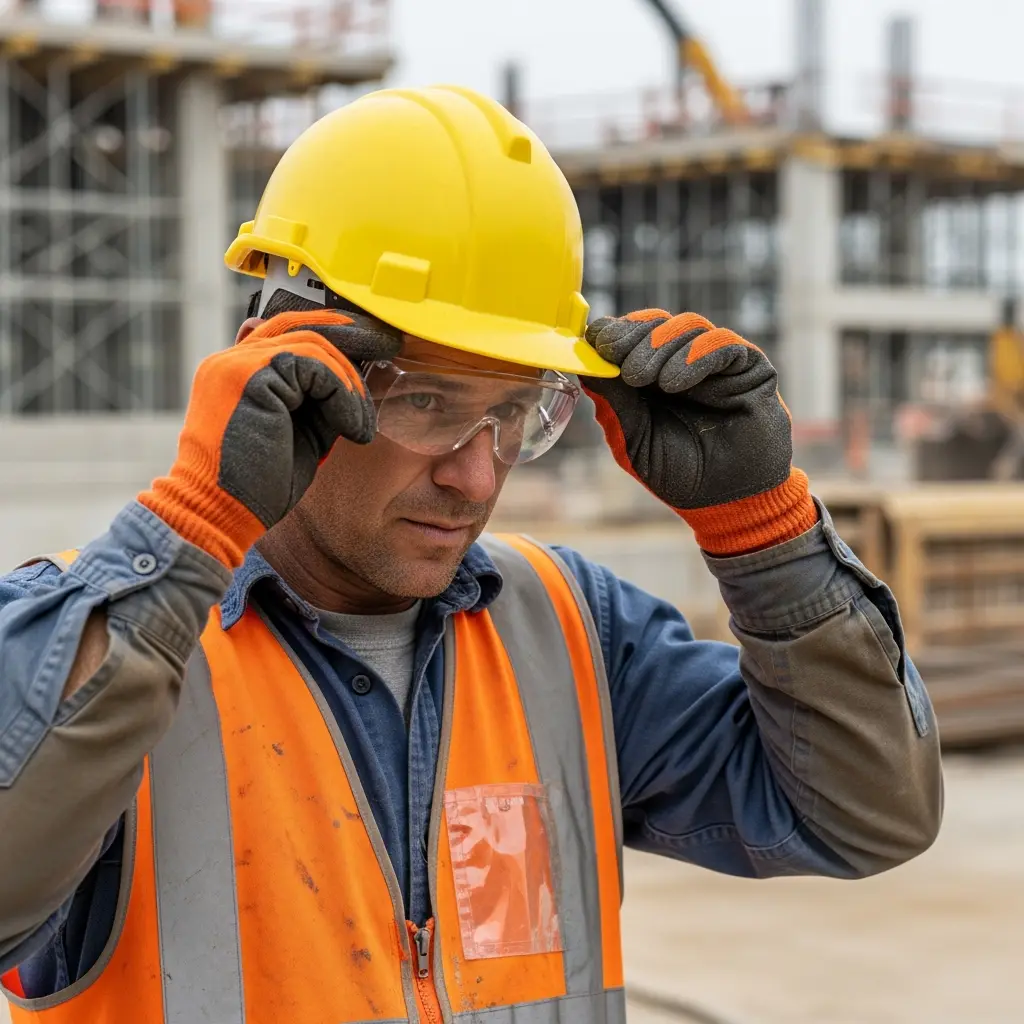
Catch missing or wrong eye protection before a particle strikes
Read guideConfirm the right boots before the crew steps on site
Read guideMatch the glove to the hazard before the work starts
Read guideCatch missing head protection before an object finds it
Read guideCatch unprotected ears before the damage is done
Read guide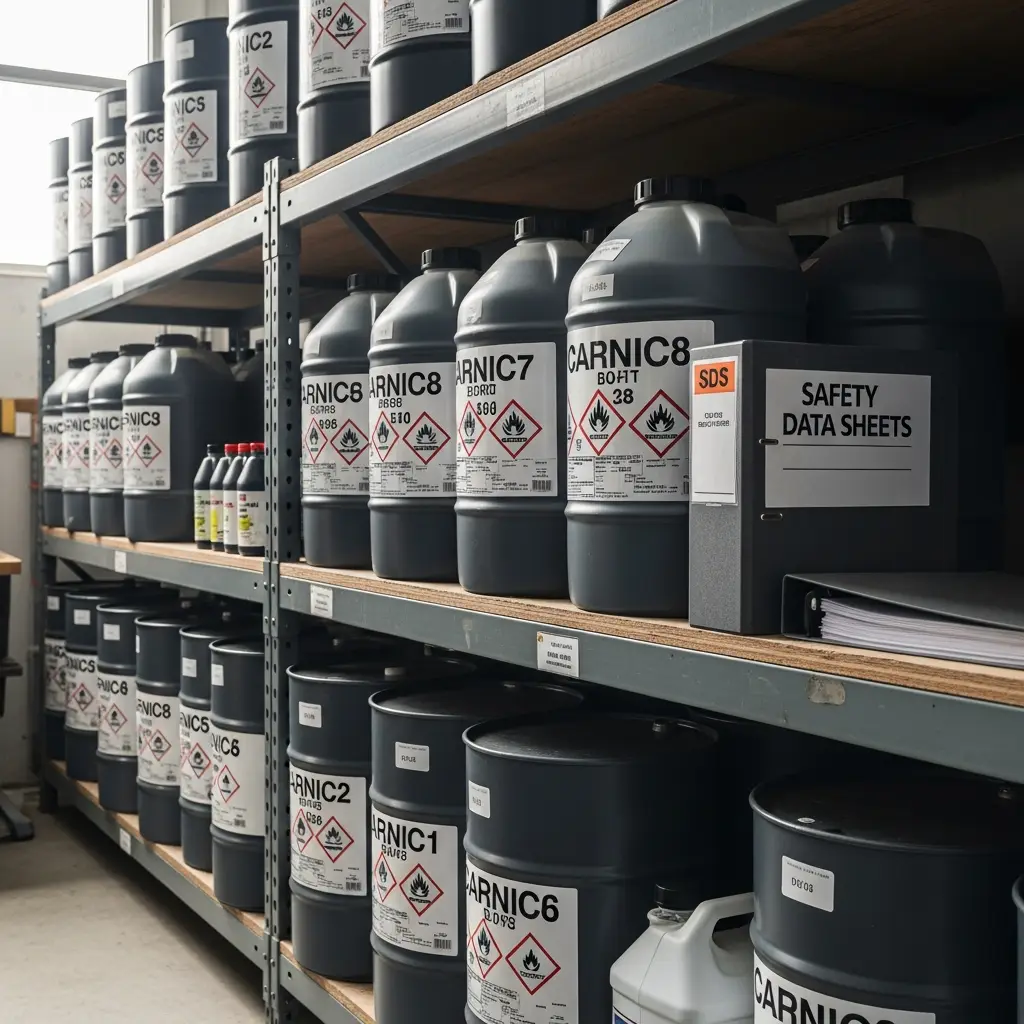
If the container lies, the crew pays for it
Read guideKnowledge is the control that prevents every other failure
Read guideEvery chemical on site needs a data sheet within reach
Read guideIf it left its original container, it needs a label
Read guide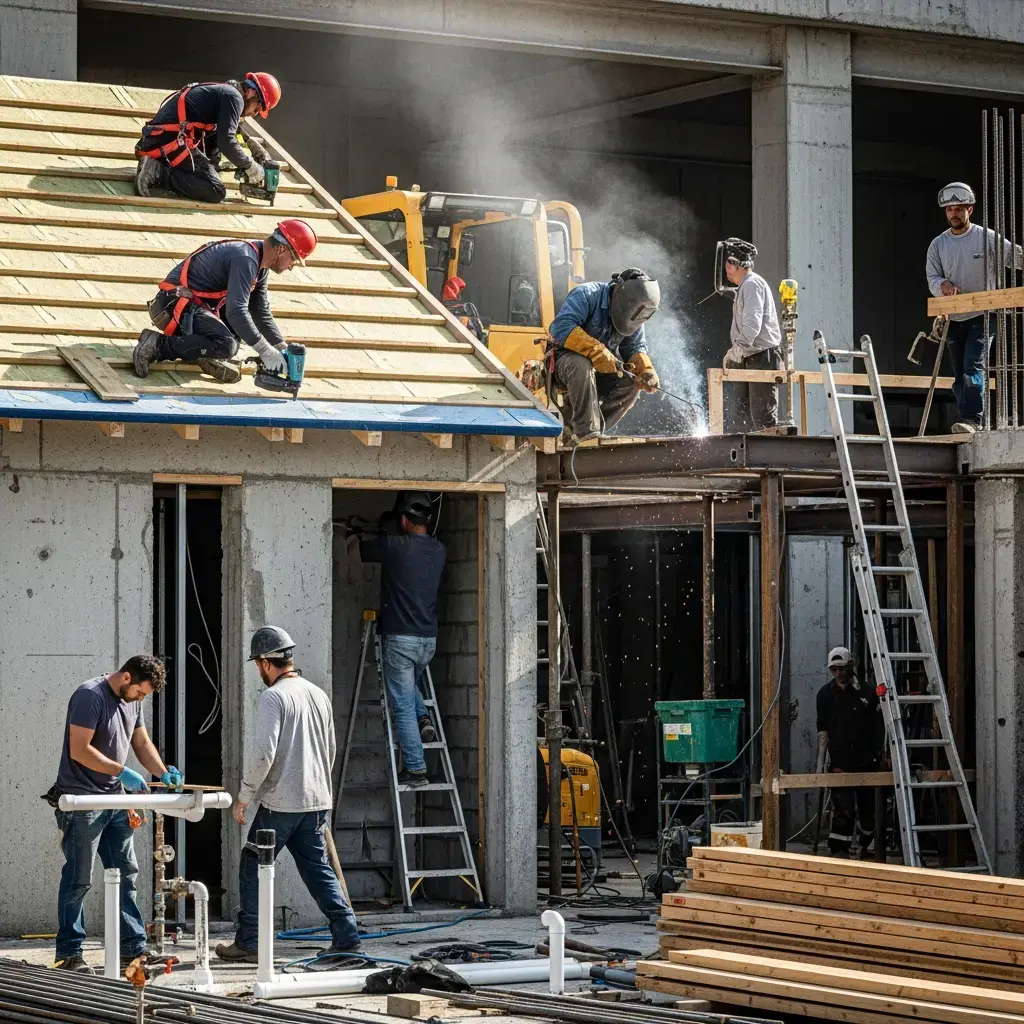
Catch suspect asbestos materials before the wrecking starts
Read guideThe blast is over before a tech can react
Read guideCatch workers in the blind zone before the wheels roll
Read guideThe space that looks routine is the one that traps you
Read guideThe rotten-egg smell fades right before it kills
Read guideEvery roof is a fall hazard until it's protected
Read guideCatch an unprotected trench before anyone climbs in
Read guideCatch fume and flash hazards before every strike of the arc
Read guide
Finish strong without cutting the corners that hurt people
Read guideVerify the site is ready before the first boot hits the deck
Read guideLight the work and verify it before the crew commits
Read guideRe-check the site before the crew re-starts
Read guide
Find the slick spots before your crew does
Read guideCatch the conditions before your crew goes down
Read guideCut through the fog, dust, and glare before the crew works
Read guideRead the weather risk before the crew steps out
Read guideMost OSHA training starts from the regulation and works backward: memorize the standard, then hope the crew recognizes it in the field. Incidents happen the other way around — a worker meets a situation (an unguarded floor opening, a forklift backing through a blind corner, a trench with no protective system) and has seconds to recognize it as dangerous. Each scenario in this library starts from that real situation: what it looks like, how often it injures or kills, which OSHA standards apply, and what the correct response is when you find it on your site.
Use the library the way a toolbox talk works: pick the scenario that matches today's work, read it with the crew in five minutes, and walk the site with the checklist before starting. If an incident or near-miss does happen, the response protocol in each scenario tells you what to do in the first minutes — and what OSHA expects you to document afterward.
To see how these scenarios show up on your own job site, run a free photo scan below — the AI checks your photo against the same hazard patterns these pages describe and cites the matching OSHA standards.
Upload a photo from any of these scenarios and get a compliance score and hazard count in seconds. No account needed to scan — create a free account to unlock the full report.
Use the real site or facility name. If you save the scan after signup, it becomes the report name.
Three angles, one deeper scan
Only the wide shot is required — every extra angle gives the AI more places to look.
Required: Set the scene — one wide shot lets the AI sweep the whole area at once
Stand at the entry point and capture corner to corner: floors, ladders, scaffolds, and everyone at work
Drop a job-site photo or walkthrough video
Click to upload, drag & drop, or snap a photo on site. Photos scan free in about 15 seconds — no signup, no card. Video walkthroughs (up to 3 min) run on a free account.
Small habits, sharper scans
Set the scene
Start with context
Fill the frame
2–3 ft for close-ups; keep ladders, cords and workers fully in view.
Capture clearly
Make the frame usable
Light it right
Keep the sun or lights behind you — glare and shadows hide hazards.
Tap to focus
Tap the hazard on screen and hold still one second — blur can't be flagged.
Choose the useful view
Give the AI room to understand
Go landscape
Turn your phone sideways — a wider frame catches more of the scene.
Only upload photos you have permission to use, and avoid images showing personal, customer, or confidential information. Demo photos and results are held privately for up to 48 hours so you can save them to a free account; unclaimed photos are deleted automatically. Results are an AI-assisted preliminary review, not an official OSHA determination.
New: Video walkthrough scans
Record up to 3 minutes of your site — the AI extracts frames and flags every hazard with exact timestamps. Free account required.
Get the best results
Wide shot first
Stand at the entrance and photograph the entire work area so AI sees the full context
Hazard areas
Photograph elevated surfaces, equipment, electrical panels, and anywhere workers are active
Close-ups last
Move in close on anything damaged, missing, or that looks risky — the AI catches more detail
Upload a photo of any job site and get an instant, OSHA-cited hazard report with a corrective-action checklist.
Start your free trial