
1
Set the scene
Start with context
Fill the frame
2–3 ft for close-ups; keep ladders, cords and workers fully in view.
Bulletproof safety compliance for busy construction sites
From residential framing to commercial high-rises, OSHA Scan helps superintendents identify fall hazards, scaffolding issues, and PPE violations before they become costly OSHA citations — all from a single job-site photo.
Free · No account needed to scan · Results in seconds
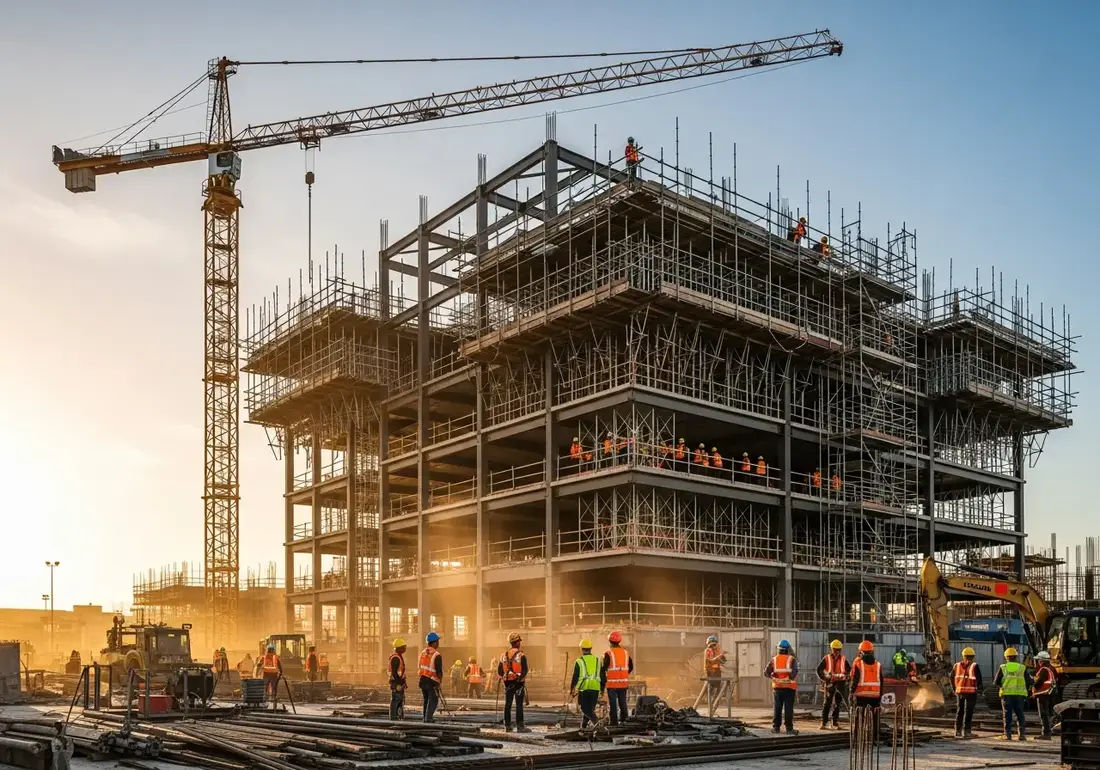
Worker deaths are in construction
Of fatalities are falls to a lower level
Max penalty per serious violation
To scan a photo and get a report
From a job-site photo to a detailed report in three steps.
Snap or drop a photo of the work area. No walkthrough forms, no setup.
OSHA Scan flags visible hazards, scores compliance, and cites the standard each one may relate to.
Work the corrective-action checklist, then export a detailed PDF or Excel report.
Upload a real job-site photo and OSHA Scan detects visible hazards in seconds — no account needed to run your first scan.
Use the real site or facility name. If you save the scan after signup, it becomes the report name.
Three angles, one deeper scan
Only the wide shot is required — every extra angle gives the AI more places to look.
Required: Set the scene — one wide shot lets the AI sweep the whole area at once
Stand at the entry point and capture corner to corner: floors, ladders, scaffolds, and everyone at work
Drop a job-site photo or walkthrough video
Click to upload, drag & drop, or snap a photo on site. Photos scan free in about 15 seconds — no signup, no card. Video walkthroughs (up to 3 min) run on a free account.
Small habits, sharper scans
Set the scene
Start with context
Fill the frame
2–3 ft for close-ups; keep ladders, cords and workers fully in view.
Capture clearly
Make the frame usable
Light it right
Keep the sun or lights behind you — glare and shadows hide hazards.
Tap to focus
Tap the hazard on screen and hold still one second — blur can't be flagged.
Choose the useful view
Give the AI room to understand
Go landscape
Turn your phone sideways — a wider frame catches more of the scene.
Only upload photos you have permission to use, and avoid images showing personal, customer, or confidential information. Demo photos and results are held privately for up to 48 hours so you can save them to a free account; unclaimed photos are deleted automatically. Results are an AI-assisted preliminary review, not an official OSHA determination.
New: Video walkthrough scans
Record up to 3 minutes of your site — the AI extracts frames and flags every hazard with exact timestamps. Free account required.
Get the best results
Wide shot first
Stand at the entrance and photograph the entire work area so AI sees the full context
Hazard areas
Photograph elevated surfaces, equipment, electrical panels, and anywhere workers are active
Close-ups last
Move in close on anything damaged, missing, or that looks risky — the AI catches more detail
Construction is the most dangerous industry in America by fatality count. Sites change hour to hour — a guardrail comes down to move material, a ladder gets repositioned, a new trench opens — and each change quietly reintroduces risk that a morning walkthrough already cleared.
Traditional inspections can't keep up. A safety manager covering multiple sites simply can't be everywhere, and paper checklists capture a moment in time that's stale by lunch. Hazards hide in plain sight until an inspector — or an incident — finds them.
OSHA Scan turns any smartphone into a safety inspector. Foremen photograph the work area, AI vision flags visible hazards against OSHA's construction standards, scores compliance, and produces a documented report with corrective actions — so problems get fixed the same day, not after a citation.
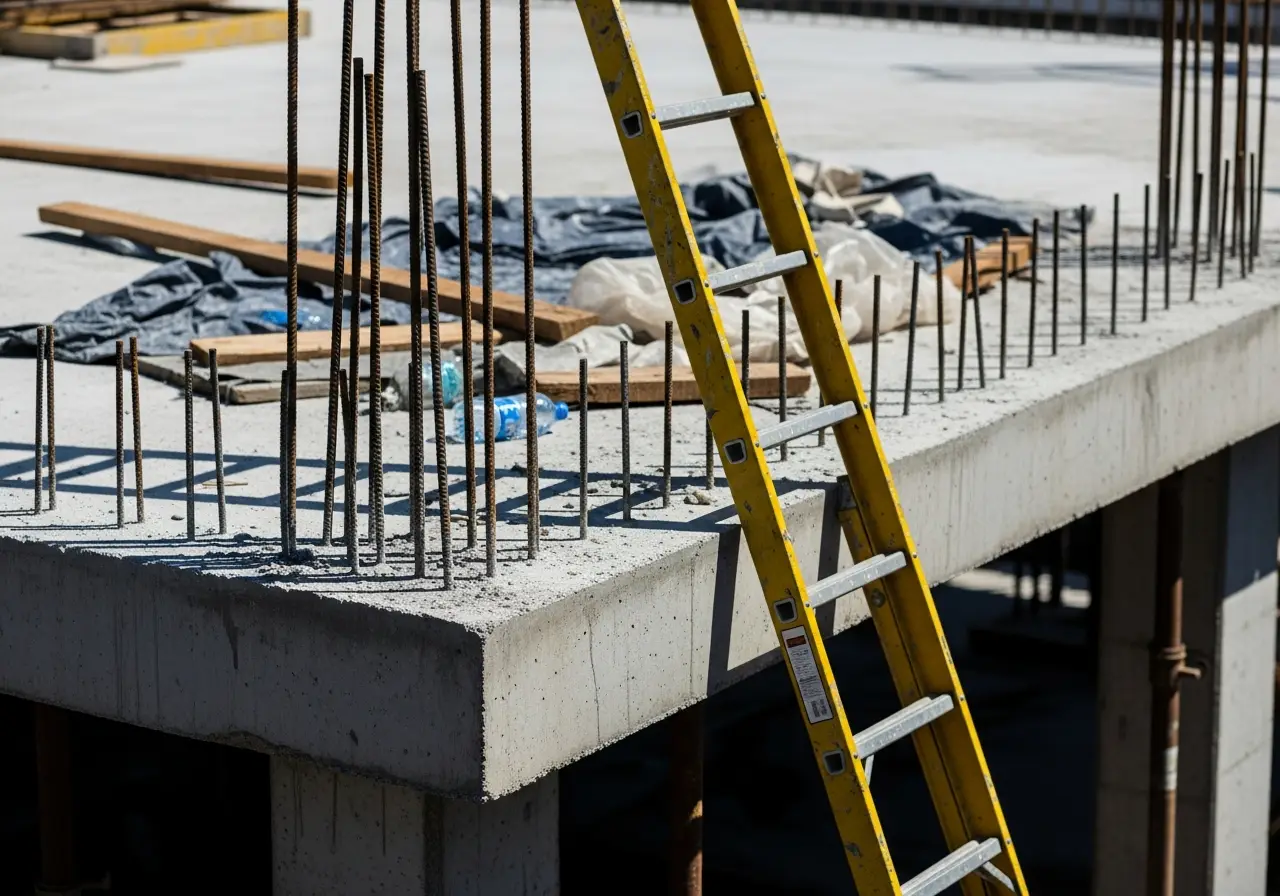
Falls from height account for over a third of construction deaths every year. Catching an unprotected edge early saves lives.
Fall protection is OSHA's most-cited standard. A single willful violation can exceed $160,000 and stall your project.
General contractors and owners increasingly require a documented safety program. Detailed reports open doors.
An incident or stop-work order can idle an entire crew. Proactive scans keep the schedule — and payroll — moving.
Crews remove guardrails to land material and forget to reinstall them. OSHA Scan flags the open edge and the missing fall protection instantly.
An extension ladder pitched too steeply or without proper extension above the landing is a classic fall hazard the AI recognizes from a photo.
Incomplete decking, missing mid-rails, or an unbraced frame are detected and mapped to the scaffolding standard.
Missing head protection or an unclipped harness near an edge is caught before someone gets hurt.
An unshored, unsloped excavation with spoil piled at the edge is flagged as a critical cave-in risk.
Every hazard is linked to the federal standard it may relate to.
Requires guardrails, safety nets, or personal fall arrest systems for work 6 feet or more above a lower level — OSHA's most-cited construction standard.
Governs scaffold construction, capacity, planking, guardrails, and access. Improper scaffolds are a leading cause of construction injuries.
Sets requirements for ladder condition, angle, extension, and use — covering both portable and fixed ladders on the job site.
Requires protective systems (sloping, shoring, or shielding) for trenches 5 feet deep or greater to prevent cave-ins.
Upload a photo and OSHA Scan flags these in seconds.
Unprotected leading edges and roof access
Missing or improper guardrails
Improper ladder setup and usage
Scaffolding structural issues
Missing or improperly worn hard hats
Improper fall arrest system setup
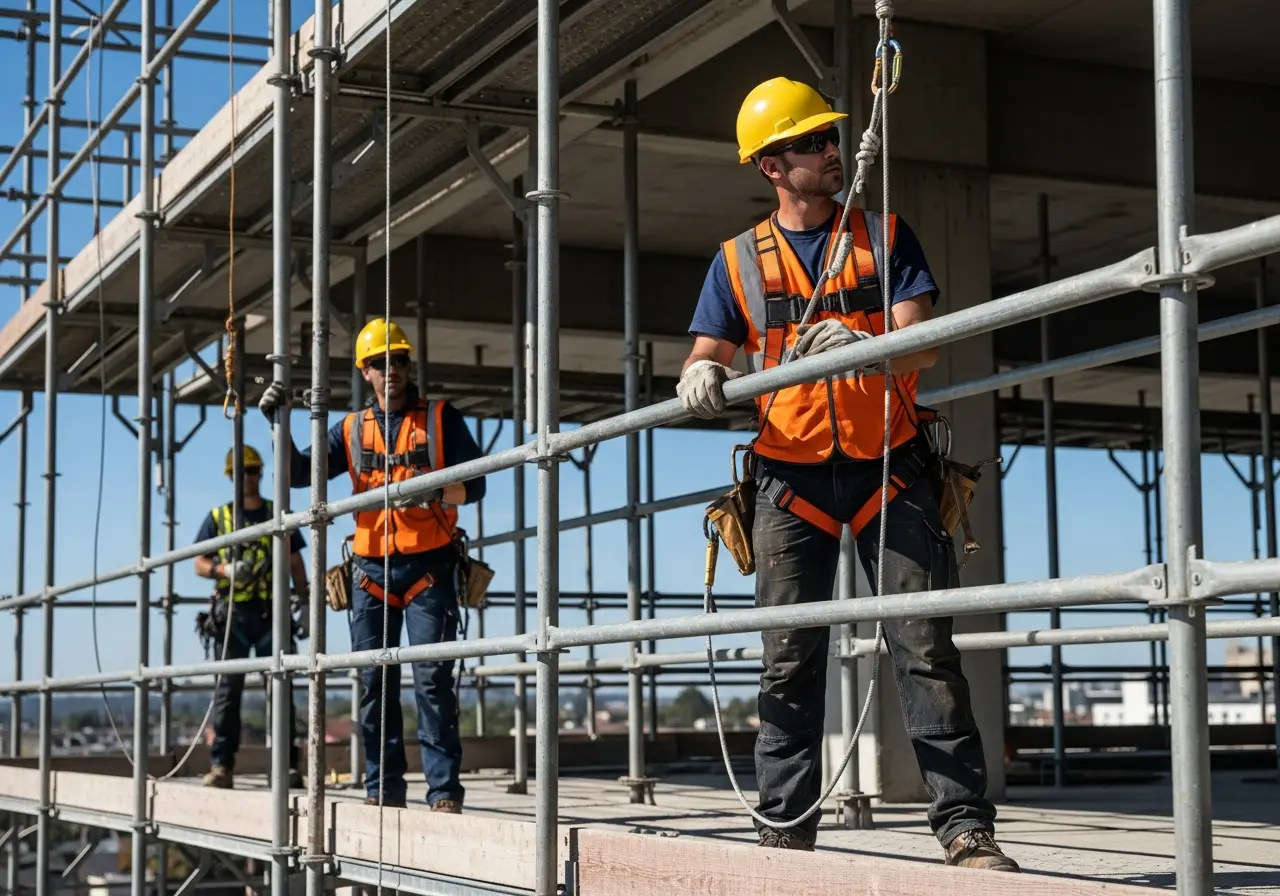
Build a proactive safety culture that catches hazards before they become incidents or citations.
Turn a 30-minute walkthrough into a 30-second photo upload, so your team stays on the job.
Every report cites the OSHA standard each hazard may relate to, ready for inspectors and stakeholders.
Catch hazards and assign corrective actions before they turn into costly OSHA fines.
OSHA Scan's AI vision model recognizes edges, elevations, scaffolding components, ladders, PPE, and excavation conditions, then cross-references what it sees against OSHA's 1926 construction standards. Each finding comes back with a severity, the citation it may relate to, and a specific corrective action — turning a quick photo into detailed documentation.
Yes. Fall protection is the most common construction violation, and it's what OSHA Scan detects best — unprotected edges, missing guardrails, unclipped harnesses, and unsafe roof access are all flagged with the relevant 1926.501 citation.
No. Any smartphone camera works. Snap or upload a photo of the work area and you get a compliance score, hazard list, and corrective actions in about 15 seconds — no forms to fill out.
Each report cites the OSHA standard each hazard may relate to and can be exported to PDF or Excel, giving you a documented, timestamped record of your inspections and corrective actions.
Yes. OSHA Scan is multi-tenant with job-site locations, so a safety manager can track compliance across every active project from one dashboard.
OSHA Scan is designed to augment your safety team, not replace it. It reliably surfaces visible hazards for review; your competent person makes the final call and assigns corrective actions.
Yes. You can run a free instant scan on this page with no signup. A free account unlocks the full report with every hazard, citation, and recommended fix.
A mid-size framing contractor was running six residential jobs at once with a single safety manager who could visit each site only twice a week.
Between visits, guardrails were being removed to land material and left down. Two near-misses in one month made it clear the twice-weekly walkthrough model wasn't catching enough.
Every foreman started photographing their work areas twice a day and running them through OSHA Scan. Open edges and missing guardrails were flagged immediately with the relevant standard and a corrective action.
Within a quarter, repeat fall-protection findings dropped by more than 80%, and the contractor had a timestamped record of every scan to show general contractors during prequalification.
Go deeper on the hazards that matter most for this industry.
Explore the software built for this type of inspection.
Estimate what a citation could cost with official 2026 federal maximums and typical reductions.
Eight ready-to-run 5-minute safety meetings with printable sign-in sheets — free, no email.
See how OSHA Scan's AI inspection platform works for construction sites and beyond.
Discover how AI-powered audits flag fall hazards and PPE gaps faster than traditional site walkthroughs.
Run OSHA compliance scans from any phone right on the jobsite — no forms, no setup.
Photo-first safety management for contractors — scans, scores, and inspection records in one place.
Review findings, organize chemical records, and open relevant official resources for your saved locations and work context.
You make the final call. Review, edit, or dismiss any AI-flagged hazard before finalizing your inspection report.
Scan chemical labels or upload legacy MSDS sheets to create structured drafts that support your team's search for and review of current official manufacturer Safety Data Sheets.
Open official OSHA and State Plan guidance, required posters, emergency contacts, and relevant publications for saved locations and work requirements.
OSHA Scan reads a single photo. That makes it fast and easy for anyone on site — but it also means it has real limits. Here's an honest look at both.
Reviewed by OSHA Scan Editorial
Last updated August 29, 2026
This content is produced by the OSHA Scan Editorial team and reviewed with AI assistance. It is general safety information, not legal or compliance advice. OSHA Scan is an independent tool and is not affiliated with, endorsed by, or certified by OSHA or the U.S. Department of Labor.
Start with 5 included AI site scans plus a one-time 10-scan signup bonus — no credit card. Build JHA-ready reports and catch changing conditions sooner.
Start your free trial