
1
Set the scene
Start with context
Fill the frame
2–3 ft for close-ups; keep ladders, cords and workers fully in view.
Smarter safety inspections for fast-paced warehouses
Protect your team from material handling and environmental hazards. OSHA Scan spots trip hazards, improper storage, forklift risks, and PPE gaps instantly from a photo — so your operation stays fast and safe.
Free · No account needed to scan · Results in seconds
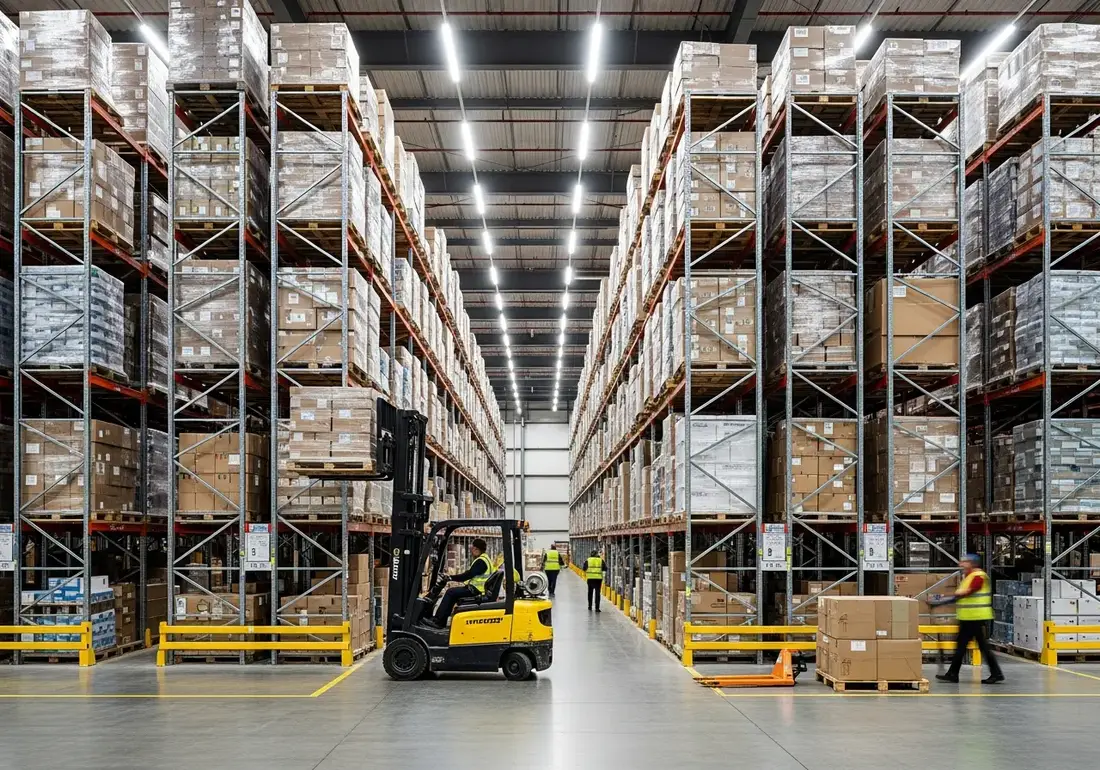
Injuries per 100 warehouse workers
Forklift-related deaths a year in the US
Max penalty per serious violation
To scan a photo and get a report
From a job-site photo to a detailed report in three steps.
Snap or drop a photo of the work area. No walkthrough forms, no setup.
OSHA Scan flags visible hazards, scores compliance, and cites the standard each one may relate to.
Work the corrective-action checklist, then export a detailed PDF or Excel report.
Upload a real job-site photo and OSHA Scan detects visible hazards in seconds — no account needed to run your first scan.
Use the real site or facility name. If you save the scan after signup, it becomes the report name.
Three angles, one deeper scan
Only the wide shot is required — every extra angle gives the AI more places to look.
Required: Set the scene — one wide shot lets the AI sweep the whole area at once
Stand at the entry point and capture corner to corner: floors, ladders, scaffolds, and everyone at work
Drop a job-site photo or walkthrough video
Click to upload, drag & drop, or snap a photo on site. Photos scan free in about 15 seconds — no signup, no card. Video walkthroughs (up to 3 min) run on a free account.
Small habits, sharper scans
Set the scene
Start with context
Fill the frame
2–3 ft for close-ups; keep ladders, cords and workers fully in view.
Capture clearly
Make the frame usable
Light it right
Keep the sun or lights behind you — glare and shadows hide hazards.
Tap to focus
Tap the hazard on screen and hold still one second — blur can't be flagged.
Choose the useful view
Give the AI room to understand
Go landscape
Turn your phone sideways — a wider frame catches more of the scene.
Only upload photos you have permission to use, and avoid images showing personal, customer, or confidential information. Demo photos and results are held privately for up to 48 hours so you can save them to a free account; unclaimed photos are deleted automatically. Results are an AI-assisted preliminary review, not an official OSHA determination.
New: Video walkthrough scans
Record up to 3 minutes of your site — the AI extracts frames and flags every hazard with exact timestamps. Free account required.
Get the best results
Wide shot first
Stand at the entrance and photograph the entire work area so AI sees the full context
Hazard areas
Photograph elevated surfaces, equipment, electrical panels, and anywhere workers are active
Close-ups last
Move in close on anything damaged, missing, or that looks risky — the AI catches more detail
Warehouses run on speed, and speed hides risk. Aisles fill with cartons mid-pick, pallets get stacked a little too high, and forklifts weave through the same lanes as people on foot. Every one of those conditions is a routine part of the day — and every one is a recordable injury waiting to happen.
The pace that makes distribution centers efficient is exactly what makes traditional inspections fail. By the time a monthly walkthrough happens, the blocked aisle has cleared and a new one has formed somewhere else. Hazards are transient, but the injuries they cause are permanent.
OSHA Scan lets shift leads capture the floor as it actually is. Photograph an aisle, a rack, or a dock, and AI vision checks it against OSHA's general industry and material-handling standards — returning a scored report with the relevant standard and the corrective action to clear it.
Powered industrial trucks cause dozens of deaths and thousands of serious injuries a year, most involving a pedestrian on foot.
Cluttered aisles, spills, and cords are the most common warehouse injury source — and the easiest to catch from a photo.
Overloaded or damaged storage racks can fail suddenly, endangering everyone nearby and destroying inventory.
Volume spikes and temporary staff push hazards higher exactly when you have the least time to inspect manually.
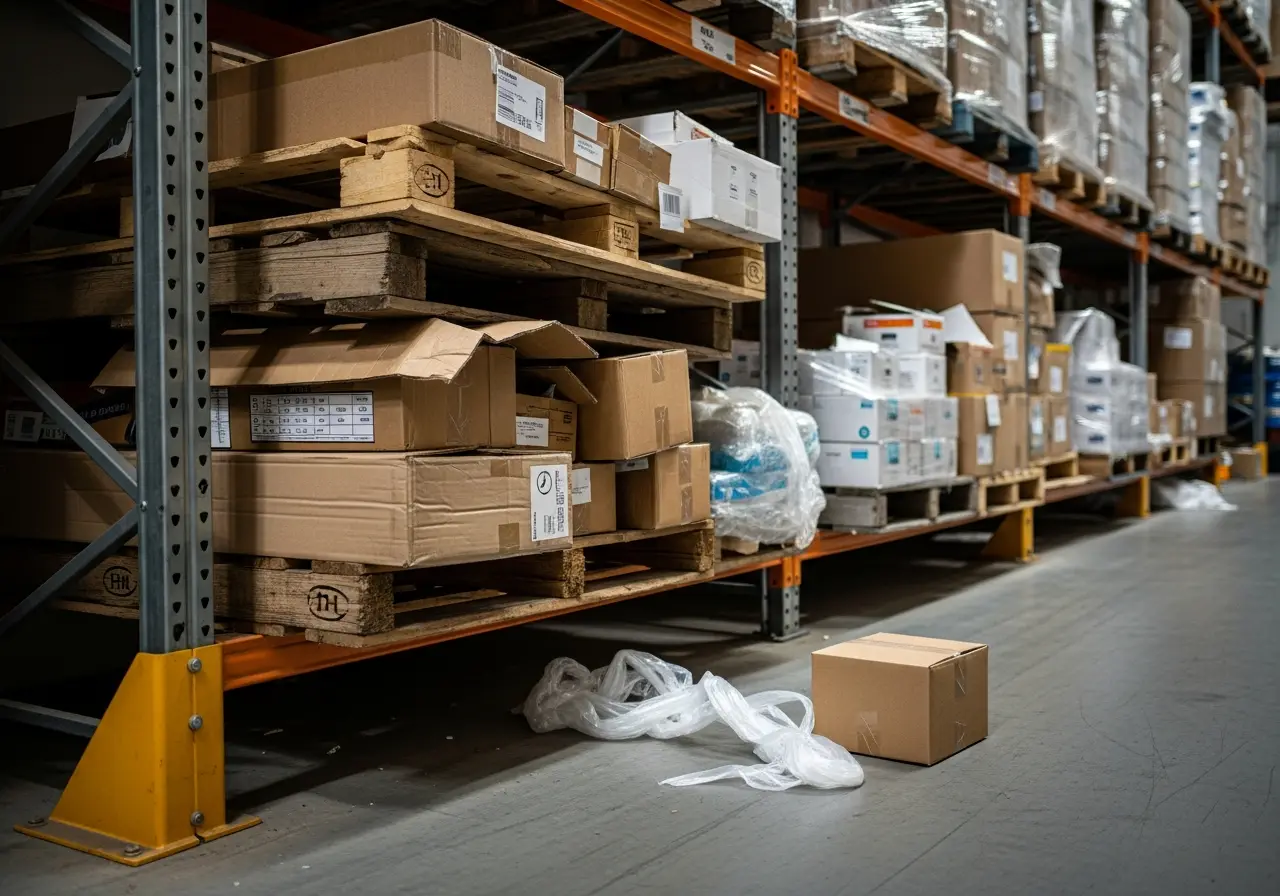
Cartons, pallets, or shrink wrap left in a walkway create a trip hazard and block emergency egress — flagged instantly by OSHA Scan.
Unevenly loaded pallets or a damaged upright are detected as a serious collapse risk against the material-handling standard.
A parked truck with elevated forks or a missing seatbelt is caught against the powered industrial truck standard.
Containers without hazard labels or stored incompatibly are flagged under hazard communication requirements.
An obstructed exit door, extinguisher, or electrical panel is identified so access and egress stay clear.
Every hazard is linked to the federal standard it may relate to.
Requires safe clearance in aisles, secure storage to prevent sliding or collapse, and housekeeping to keep areas free of tripping hazards.
Governs forklift operation, maintenance, load handling, operator training, and separation from pedestrians.
Requires proper labeling, safety data sheets, and safe storage for hazardous chemicals kept in the facility.
Requires exit routes to be unobstructed, clearly marked, and adequately lit so workers can evacuate safely.
Upload a photo and OSHA Scan flags these in seconds.
Trip hazards and debris
Improper material stacking and storage
Unlabeled or improperly stored chemicals
Inadequate lighting and visibility
Missing or worn PPE
Improper aisle and exit marking
Build a proactive safety culture that catches hazards before they become incidents or citations.
Turn a 30-minute walkthrough into a 30-second photo upload, so your team stays on the job.
Every report cites the OSHA standard each hazard may relate to, ready for inspectors and stakeholders.
Catch hazards and assign corrective actions before they turn into costly OSHA fines.
OSHA Scan's vision model recognizes racks, pallets, aisles, forklifts, chemical containers, and egress paths across warehouse environments. It evaluates the scene against OSHA's material-handling, powered-truck, hazard-communication, and exit-route standards — flagging blocked aisles, unstable storage, unsafe truck use, and obstructed exits — and returns each finding with a severity, the exact citation, and a corrective action.
Yes. Raised unattended forks, missing seatbelts, and trucks operating in blocked or shared lanes are flagged against the powered industrial truck standard (1910.178).
OSHA Scan flags visibly leaning racks, uneven pallet loads, and damaged uprights so you can address collapse risks before they fail.
Yes. A scan takes about 15 seconds from a phone, so shift leads can check aisles and docks during normal rounds without slowing throughput.
Yes. Job-site locations let you organize scans by zone, dock, or facility and monitor compliance trends across your whole network from one dashboard.
Every report cites the specific OSHA standard and exports to PDF or Excel, giving you timestamped documentation of inspections and corrective actions.
Yes. Run a free instant scan on this page with no signup. A free account unlocks the full report with every hazard, citation, and recommended fix.
A third-party logistics provider tripled its temporary workforce for the holiday peak across a 400,000 sq ft distribution center.
Trip hazards and blocked aisles spiked with the volume and new staff, and the monthly inspection cadence couldn't keep up with a floor that changed by the hour.
Shift leads scanned high-traffic aisles and dock areas at the start of each shift. OSHA Scan flagged blocked walkways, unstable pallets, and obstructed exits with the relevant standard and a fix.
Slip-and-trip recordables dropped meaningfully through peak versus the prior year, and the operation entered its OSHA review with a documented daily inspection trail.
Go deeper on the hazards that matter most for this industry.
Explore the software built for this type of inspection.
Estimate what a citation could cost with official 2026 federal maximums and typical reductions.
Eight ready-to-run 5-minute safety meetings with printable sign-in sheets — free, no email.
See how OSHA Scan's AI inspection platform covers warehousing and distribution center hazards.
Learn how AI-powered audits catch forklift and storage hazards faster across your DC network.
A photo-ready checklist for dock doors, racking, and powered equipment in high-volume DCs.
Let shift leads run compliance scans from their phones between formal audits.
Review findings, organize chemical records, and open relevant official resources for your saved locations and work context.
You make the final call. Review, edit, or dismiss any AI-flagged hazard before finalizing your inspection report.
Scan chemical labels or upload legacy MSDS sheets to create structured drafts that support your team's search for and review of current official manufacturer Safety Data Sheets.
Open official OSHA and State Plan guidance, required posters, emergency contacts, and relevant publications for saved locations and work requirements.
OSHA Scan reads a single photo. That makes it fast and easy for anyone on site — but it also means it has real limits. Here's an honest look at both.
Reviewed by OSHA Scan Editorial
Last updated August 29, 2026
This content is produced by the OSHA Scan Editorial team and reviewed with AI assistance. It is general safety information, not legal or compliance advice. OSHA Scan is an independent tool and is not affiliated with, endorsed by, or certified by OSHA or the U.S. Department of Labor.
Start with 5 included AI site scans plus a one-time 10-scan signup bonus — no credit card. Build JHA-ready reports and catch changing conditions sooner.
Start your free trial